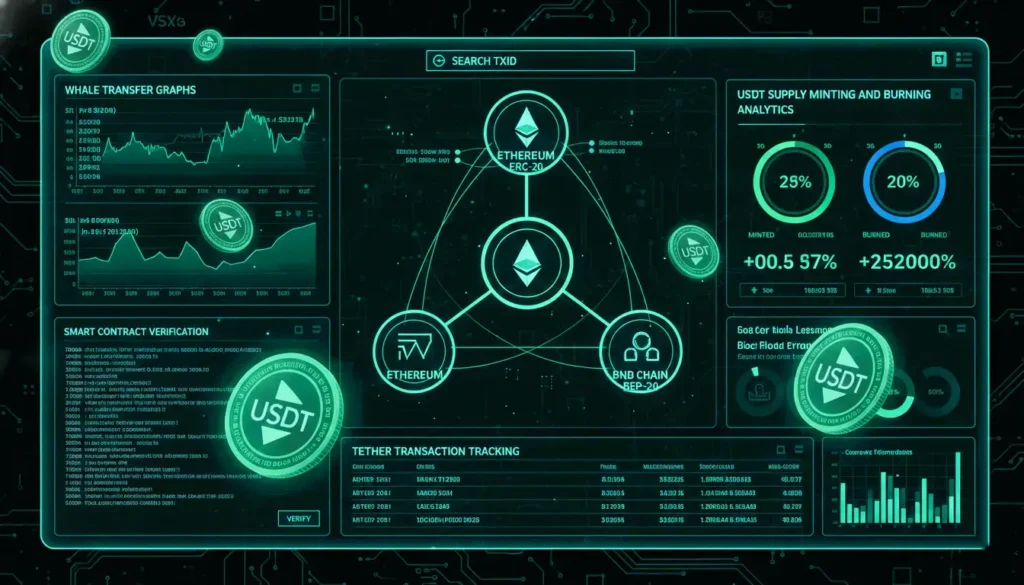
Tether (USDT) is the most widely used stablecoin in the world, operating on multiple blockchains, including Ethereum, TRON, Solana, and BNB Chain. A USDT blockchain explorer is an essential tool for tracking your digital dollars, verifying transactions, and ensuring your tokens are authentic.
Whether you are a retail user or an institutional trader, understanding how to use these explorers is crucial for security, transparency, and real-time monitoring.
What Is a USDT Blockchain Explorer?
A USDT blockchain explorer is an online tool that allows users to:
- Track USDT transactions using a TXID (transaction hash).
- Verify balances and token authenticity via contract addresses.
- Monitor minting and burning events to see changes in supply.
- Observe large transfers that could indicate market movements.
Note: USDT is a token issued on other blockchains, not a standalone blockchain. This means the explorer you use must match the network your USDT is on.
How to Track Your USDT Across Different Networks
Using a USDT explorer requires knowing the network type:
| Network Type | Token Standard | Recommended Explorer | Use Case |
|---|---|---|---|
| Ethereum | ERC-20 | Etherscan | Ideal for high-value or DeFi transactions |
| TRON | TRC-20 | TRONSCAN | Popular for low-fee retail transfers |
| Solana | SPL | Solscan | Real-time monitoring for fast swaps |
| BNB Chain | BEP-20 | BscScan | Verifying transfers within the Binance ecosystem |
| Multi-Chain | – | OKLink | Unified dashboard for 20+ networks |
Steps to Track Your USDT:
- Identify the network (ERC-20, TRC-20, BEP-20, SPL).
- Copy your TXID/transaction hash from your wallet or exchange.
- Paste the TXID into the correct blockchain explorer.
- Verify the transaction status, confirmations, and amount.
Verifying USDT Transaction Status
To ensure your USDT has been successfully transferred:
- ERC-20 USDT (Ethereum): Most exchanges require 12–14 confirmations (~3 minutes).
- TRC-20 USDT (TRON): Transactions usually finalize within 1 minute.
- BEP-20 USDT (BNB Chain): Confirmation times vary; check the explorer for real-time updates.
Pro Tip: Always double-check the network. Searching a TRC-20 hash on an Ethereum explorer will fail
How to Locate the Official USDT Contract Address
Scammers may create fake tokens with the same name. The contract address is the only way to confirm authenticity.
- Visit the official explorer for your network (e.g., Etherscan for ERC-20).
- Search “USDT” or “Tether.”
- Verify the contract address matches Tether Limited’s official listing.
Using the wrong contract can result in permanent loss of funds.
Advanced Monitoring: Transparency and Reserves
Professional USDT explorers offer insights into Tether’s total supply and liquidity:
- Minting: When Tether Limited issues new USDT.
- Burning: When USDT is removed from circulation.
- Treasury Transactions: Track these in real-time to verify transparency reports.
This ensures that circulating supply matches official statements and provides a window into market stability.
Tracking Large “Whale” Movements
Large USDT transactions often signal potential market volatility. Monitoring sections like the Rich List or Large Transactions can help traders anticipate shifts in liquidity.
Exchanges to watch: Binance, OKX, Huobi.
FAQs About USDT Blockchain Explorers
Q1: Why is my USDT transaction not showing up?
- Ensure you’re using the correct network explorer.
- Check if your wallet or exchange has broadcast the transaction.
Q2: How many confirmations does USDT need?
- TRC-20: Usually 1–2 confirmations (~1 minute).
- ERC-20: 12–14 confirmations (~3 minutes).
- BEP-20: Check specific explorer guidelines.
Q3: Can I see the owner of a USDT wallet?
- No. Wallets are anonymous unless linked to a KYC exchange.
Q4: Are USDT explorers safe?
- Yes, if you use official links (Etherscan, TRONSCAN, and Solscan). Avoid third-party clones or phishing sites.
Tips for Safe and Effective Use
- Always verify contract addresses before sending funds.
- Monitor minting/burning activity to understand market supply.
- Track large transactions to anticipate price volatility.
- Use multi-chain explorers like OKLink for convenience if you hold USDT across networks.
Conclusion
A USDT blockchain explorer is more than just a transaction tracker—it’s a tool for security, transparency, and market insight. By using the right explorer for your network, monitoring contract addresses, and observing large transactions, you can ensure your Tether holdings are safe and stay informed about the stablecoin’s market dynamics.