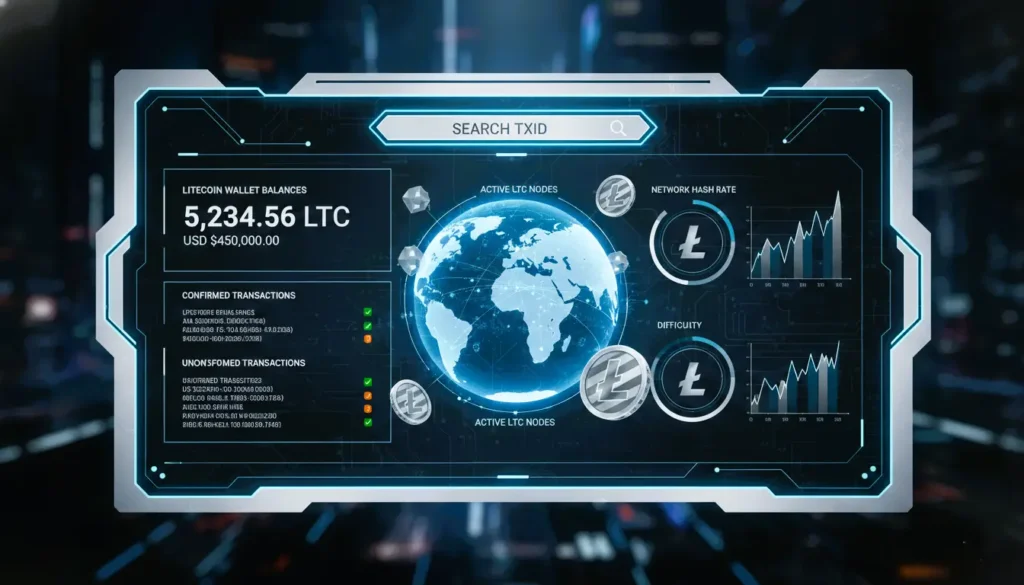
Using a Litecoin block explorer is straightforward and requires no technical expertise. By entering specific data points into the search bar, you can pull up detailed records instantly.
Tracking LTC Transaction Status
To check if your funds have arrived, simply paste your Transaction ID (TXID)—a 64-character alphanumeric string—into the explorer.
- Unconfirmed: The transaction is in the mempool waiting for a miner.
- Confirmed: The transaction has been included in a block. For most exchanges, 6 confirmations are considered “final.”
Monitoring Wallet Addresses
By searching for a specific Litecoin wallet address, you can view its entire public history. This includes the current balance, the total amount of LTC sent and received, and a list of every historical transaction associated with that address. This is a vital tool for auditing your own security or verifying payments from third parties.
Technical Insights: Nodes, Hash Rate, and Difficulty
An LTC blockchain explorer does more than just track payments; it provides a macro view of the network’s stability and performance.
Litecoin Network Hash Rate and Difficulty
For those interested in the underlying security of the network, explorers provide live data on the Litecoin hash rate.
- Hash Rate: Represents the total computational power securing the network. A rising hash rate typically signals increased miner confidence and higher network security.
- Network Difficulty: This metric adjusts automatically roughly every 2.5 days (or every 2,016 blocks) to ensure that block generation remains consistent at a 2.5-minute interval.
Verifying LTC Nodes
The decentralization of Litecoin depends on LTC nodes spread across the globe. Many advanced explorers offer a “Node Map” or “Peer List,” allowing you to see the geographic distribution of active nodes. This data is critical for developers and researchers who need to ensure the network is resilient against localized outages or censorship.
Top LTC Blockchain Explorers for 2026
| Explorer | Best For | Key Features |
| Blockchair | Professional Analytics | Advanced filtering, CSV exports, and privacy-focused searches. |
| LitecoinBlockExplorer.net | Speed & Simplicity | A no-frills interface dedicated solely to the Litecoin network. |
| OKLink | Ecosystem Overview | Comprehensive dashboards including rich lists and exchange flows. |
| Tokenview | Multi-chain Research | Ideal for users holding LTC alongside other major assets. |
FAQs: LTC Blockchain Explorer
Is using an LTC blockchain explorer private?
While the explorer itself is public, your identity is not. However, repeatedly searching for your own address from a single IP address can link your identity to that wallet in the eyes of the service provider. Use a VPN for enhanced privacy.
Why is my transaction not showing up yet?
If you just sent LTC, it might take a few seconds to appear as “Unconfirmed.” If it doesn’t appear at all, verify that the TXID is correct and that your wallet successfully broadcast the transaction to the network.
What is the average block time for Litecoin?
Litecoin targets a 2.5-minute block time, which is four times faster than Bitcoin. This leads to quicker confirmations and a more fluid user experience for daily transactions.