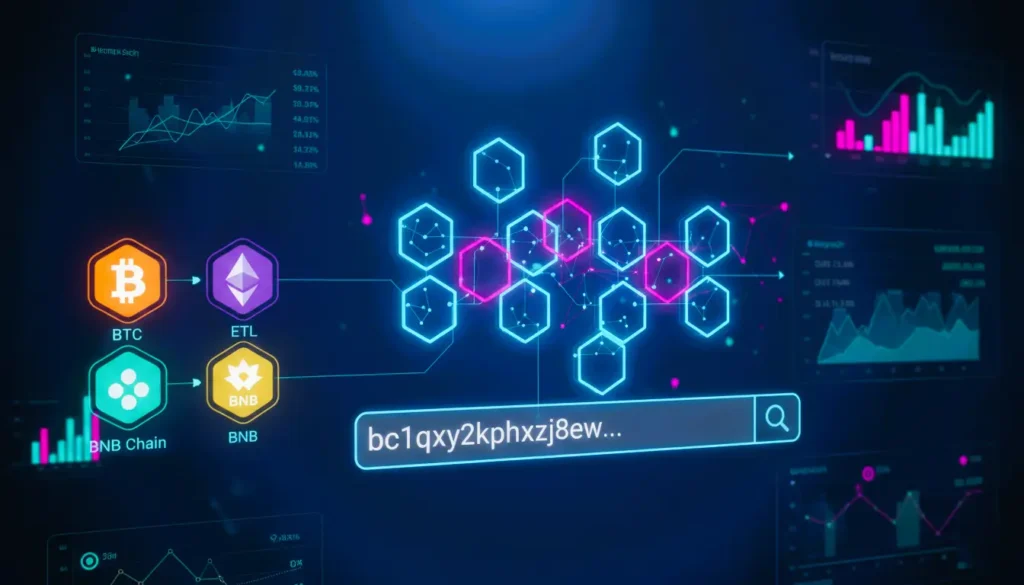
In the decentralized world, transparency isn’t just a buzzword—it’s a functional reality. Whether you are verifying a payment, auditing a smart contract, or tracking “whale” movements, the blockchain explorer address is your most critical tool.
Think of a blockchain explorer as the “Google” of distributed ledgers. It allows anyone to query a blockchain address to view real-time balances, transaction histories, and contract interactions without needing permission from a third party.
What is a blockchain explorer address?
A cryptocurrency address refers to a unique identifier (typically a long string of alphanumeric characters) that represents a destination or “account” on a blockchain. When you input this address into a search bar on a block explorer (like Etherscan or Blockchain.com), the tool parses raw ledger data to show you exactly what that address contains and what it has done.
Types of Addresses You Can Search
- Wallet Addresses (EOAs): Managed by private keys, these represent individual users.
- Contract Addresses: These host the logic for decentralized apps (dApps), NFTs, or tokens.
- Token-Specific Addresses: Used to track the supply and holders of assets like USDT or LINK.
How to Find and Use a Blockchain Explorer Address
Finding a blockchain address is the first step to auditing your own assets or verifying a counterparty.
1. Locating Your Address
Most users find their blockchain explorer address within their non-custodial wallet (like MetaMask or Trust Wallet) or on their exchange’s “Deposit” page.
- Pro Tip: Always use the “Copy” button to avoid manual entry errors, as blockchain addresses are case-sensitive and unforgiving.
2. Searching the Explorer
Once you have the address, follow these steps:
- Navigate to the explorer corresponding to the network (e.g., Solscan for Solana, BscScan for BNB Chain).
- Paste the string into the search bar.
- Hit enter to view the Address Overview.
Tracking Transactions and Wallet Activity
The power of a digital ledger address search lies in the depth of data available. Once the page loads, you can instantly see the following:
Wallet Balances and Assets
The explorer provides a real-time snapshot of the native coin balance (e.g., ETH or BTC) and a dropdown menu for “Token Holdings,” which lists every ERC-20, BEP-20, or SPL token associated with that blockchain address.
Detailed Transaction History
Every entry in the transaction list includes:
- TxID (Transaction Hash): The unique fingerprint of the transfer.
- Method: The action taken (e.g., transfer, swap, or mint).
- From/To: The participating public blockchain address.
- Value: The amount of crypto moved.
- Gas Fee: The cost paid to the network to process the request.
Why You Should Search a Blockchain Address Before Transacting
Using a blockchain explorer address search is a vital security habit. Before sending a large sum, seasoned users “audit” the recipient address.
- Verifying Legitimacy: Is the address a known exchange wallet or a fresh, empty account?
- Confirming Smart Contracts: If you are interacting with a new DeFi protocol, searching the contract address on an explorer can confirm if the code is “verified” and if other users are successfully interacting with it.
- Anti-Fraud: You can check if an address has been “flagged” by the community for involvement in phishing or hacks.
Advanced Analysis: Beyond Simple Balances
For developers and power users, a blockchain explorer address provides more than just balances.
Analytics and Charts
Top-tier explorers offer “Analytics” tabs where you can view charts of an address’s balance over time, transaction frequency, and even “whale” status.
Contract Interaction (Read/Write)
If the crypto wallet address belongs to a smart contract, you can often interact with it directly through the explorer interface. This allows you to “read” data (like total supply) or “write” (like claiming rewards) even if the project’s main website is down.
Summary Table: Popular Explorers by Network
| Network | Primary Block Explorer | Key Feature |
| Bitcoin | Blockchain.com / Mempool.space | Fee estimation & block health |
| Ethereum | Etherscan.io | Contract source code verification |
| Solana | Solscan / SolanaFM | Fast-syncing for high-TPS data |
| BNB Chain | BscScan | Low-fee transaction tracking |
| Multi-chain | Blockchair | Cross-chain address search |
Frequently Asked Questions (FAQs)
Q1: How do I verify a smart contract on an explorer?
A1: Check the “Contract Verified” badge and explore read/write functions for transparency.
Q2: Can I recover crypto using a blockchain explorer address?
A2: No, explorers are only for tracking. Use it to audit transactions, but recovery depends on wallet/exchange policies.
Q3: Are blockchain explorer addresses safe to use?
A3: Yes, they are public identifiers. Always double-check before sending crypto to avoid scams.
Conclusion: Empower Your Crypto Decisions
Using a smart contract address ensures transparency, security, and smarter decision-making in crypto transactions. By regularly auditing addresses, you reduce risk and gain insights into wallet and contract activity.
Are you ready to harness the full power of blockchain transparency? Share this guide with fellow crypto users or bookmark it for future reference.